Set up
Name the league, add teams, choose positions, and select snake or auction.
Snake + auction drafts
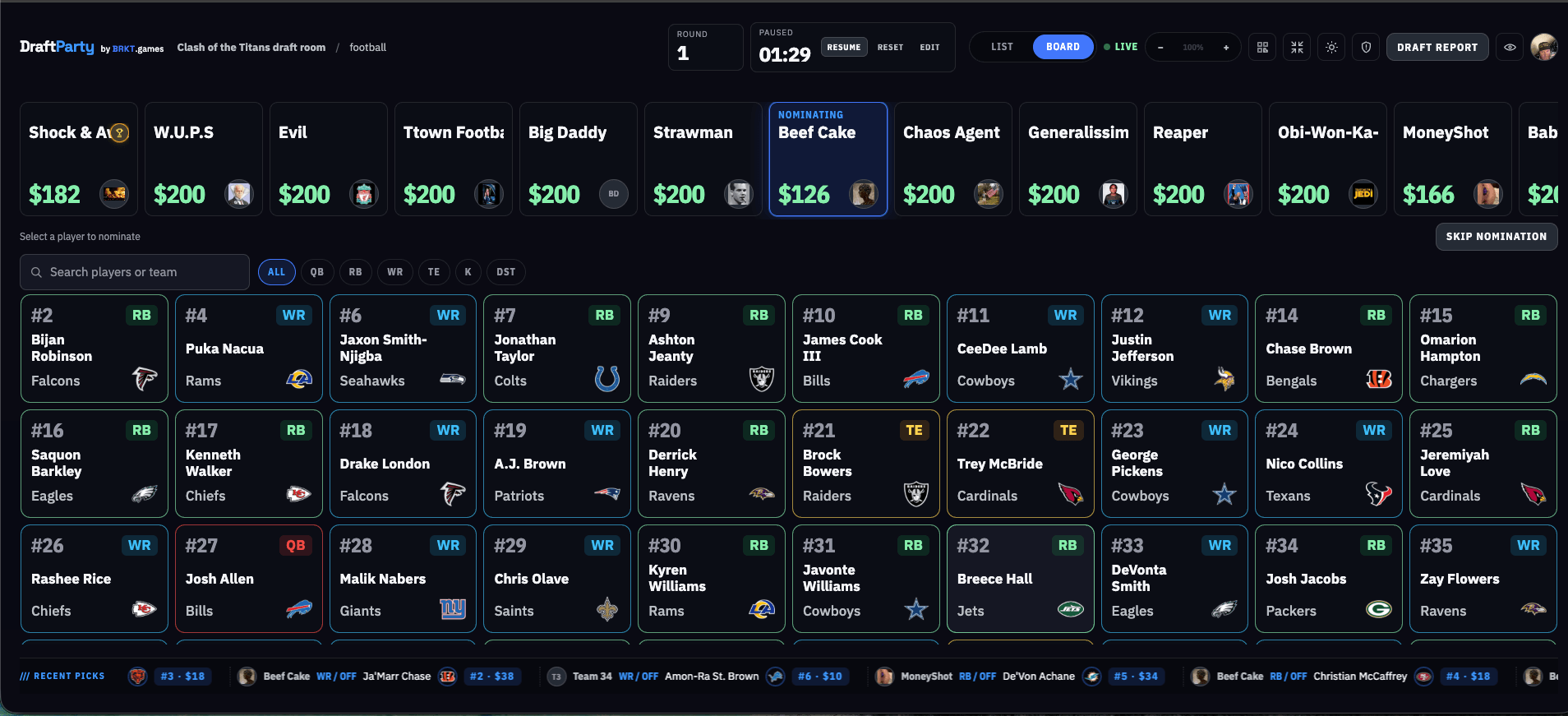
Put the draft board on the big screen and keep every pick in sync. Draft Party gives the commissioner a live control room and everyone else a read-only view in the browser.
Free MVP · No app to install · Built for draft day
Start here
Set up a new room or return to one you already manage.
Configure a persisted league, teams, draft mode, order, and ranking snapshot before the room starts.
Your room actions will appear when your session is ready.
How it works
Keep the setup simple so the room can focus on the draft.
Name the league, add teams, choose positions, and select snake or auction.
Put the commissioner board on screen. Run the clock, record picks, and correct a mistake when you need to.
Give members and guests the browser link or QR code. Their view stays read-only while the room stays live.
/// Snake draft
The board highlights whose turn it is, keeps the pick order visible, and gives the commissioner a clear place to keep the room moving.
/// Auction draft
Nominate a player, take bids out loud, and record the sale. The room sees the player, winning team, and updated budget together.
Setup
A short setup flow keeps league details, teams, positions, draft order, and rankings in one place. Review the room before the clock starts.
Draft day starts here
No downloads, no separate viewer app, and no paywall in the current MVP.
Create a draft